E Exercise 03
Last updated: 2026-02-12 16:04:44
E.2 Question 1
- Calculate the row and the column where the maximum value of the
volcanomatrix is. Don’t use specific values of row and column indices; instead calculate the required indices in your code. - Replace all values in the row to
NA - Replace all values in the column to
NA - Replace the value at the row and column with
90 - Plot the modified
volcanousing the same method as in Figure 5.2 (Figure E.1)
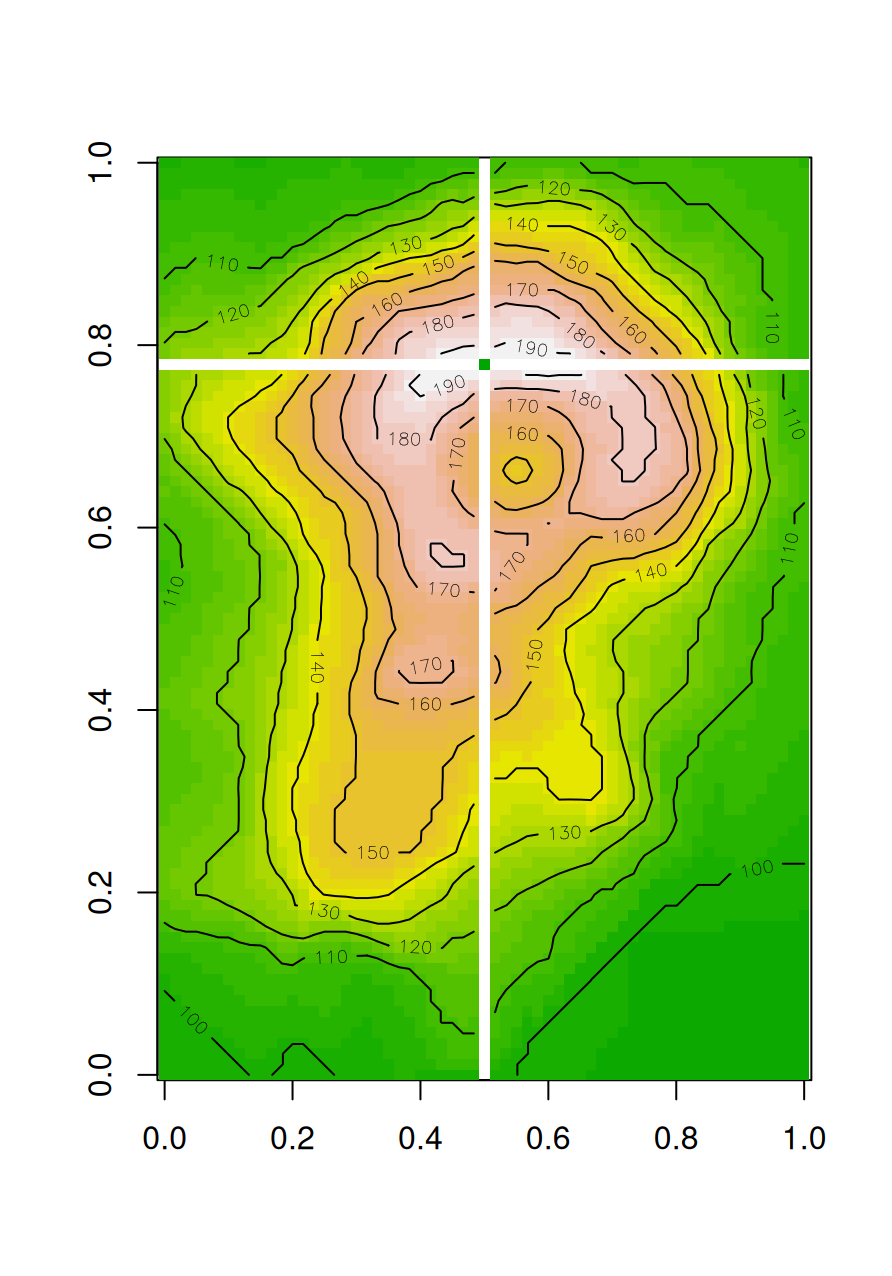
Figure E.1: Modified volcano matrix
(50 points)
E.3 Question 2
- Read the raster
'MOD13A3_2000_2019.tif'to a multi-band raster object namedr. - Calculate a vector of length 24 with the correlation coefficients between the values of the layer 1, and the values of layers 1, 2, …, 24.
- To calculate correlation coefficients use the
corfunction with theuse='pairwise.complete.obs'argument, as in:cor(x, y, use='pairwise.complete.obs'). - For example, the 2nd value in the vector should be equal to:
## [1] 0.9752619- Plot the values of the vector, as shown in Figure E.2.
- Note: the two arguments passed to the
corfunction, i.e., the pixel values of layer 1 and layer n, need to be either vectors or arrays (not matrices). If necessary, amatrixcan be converted to a vector withas.vector.
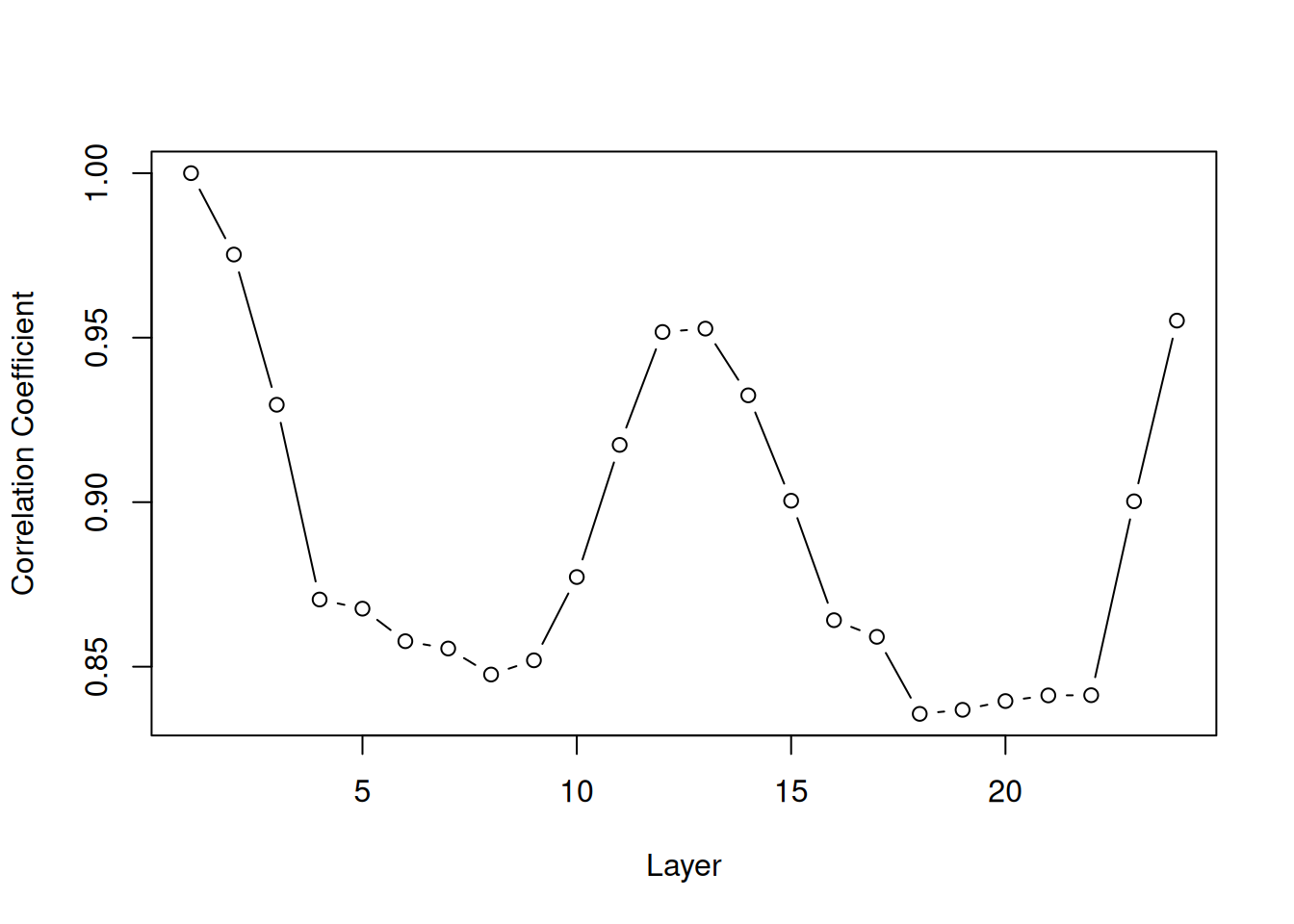
Figure E.2: Correlation between NDVI values in layer 1 and layers 1-24
(50 points)